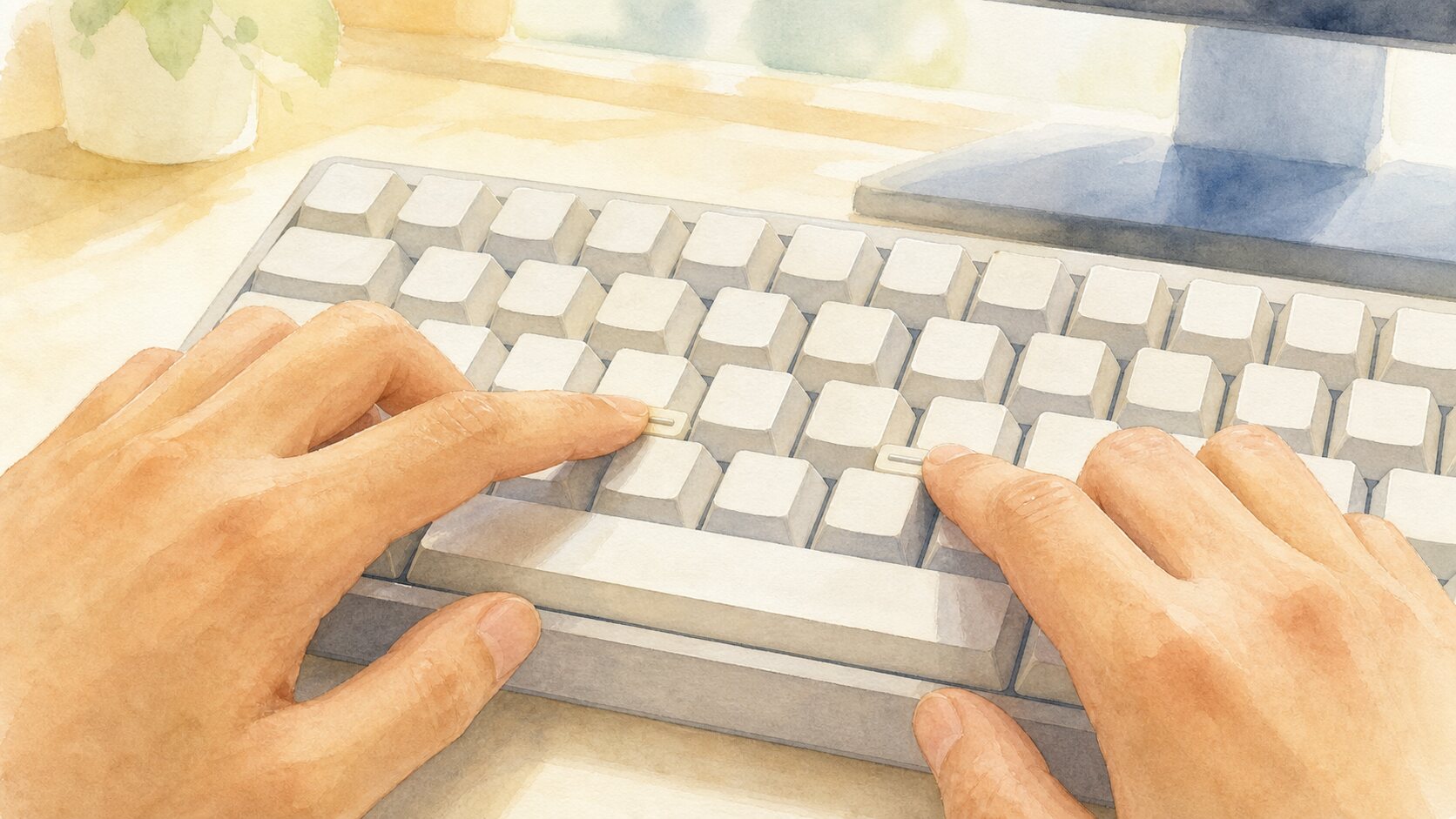
Run a fingertip over the F and J keys on a standard computer keyboard and you will usually feel a small raised bar, dot, or ridge. It is not decoration. The feature is a tactile locator: a way to find the starting position for both hands without looking down. In conventional touch typing, the left index finger rests on F and the right index finger rests on J, with the other fingers arranged across the home row.
Touch typing depends on returning to a reference position after reaching for other letters. Hands can drift slightly after using a mouse, moving the keyboard, or simply pausing. Feeling for the two markers lets a typist recalibrate both hands without reading the printed legends on the keys. One locator per hand also helps establish left and right orientation. The raised marks are therefore a small physical map, not a label meant only for beginners.
F and J are used because they are the index-finger resting positions in the usual home row of an English-language QWERTY keyboard. The index fingers have a broad working range, and locating them makes the positions of the remaining fingers easier to infer. The bumps do not magically make anyone fast. For someone who has learned the layout, they reduce the time and visual attention needed to find the home position again, which can help prevent misplaced keystrokes.
The same idea appears on the 5 key of a numeric keypad. Once a user feels 5, the positions of 1, 2, 3, 7, 8, and 9 can be inferred from the standardized grid around it. Many telephone keypads use a tactile mark on 5 for the same reason. These features are not primarily about reading a number or letter through touch. They are landmarks that let a finger establish coordinates in a familiar physical layout.
People do not all type in the same way. A person using two fingers, one hand, an alternative layout, or a custom keycap set may use F and J differently, and some keyboards omit the marks or use another form. Even so, human-factors guidance commonly calls for tactile features on the home row, often F and J, because orientation by touch remains valuable. It supports touch typists and can also make an ordinary keyboard easier to navigate when visual information is limited.
Flat touchscreen keyboards show what is lost when there is no physical reference. A glass surface can display a familiar layout but cannot normally offer a permanent ridge before a key is pressed. Interface researchers distinguish this advance tactile information from feedback that comes afterward, such as a click sound or vibration. Both can be useful, but the F and J markers tell the hand where it is before an input error happens.
The tiny marks on F and J are among the quietest guides on a keyboard. While your eyes stay on a screen or source document, your index fingers can locate two fixed points and rebuild the map of the whole home row. From there, the left hand can settle across A, S, D, and F while the right hand finds J, K, L, and the semicolon key. They are useful precisely because they are modest: no software setting, visual symbol, or learning prompt is needed at the moment of use. They do not prescribe one perfect typing style, but they give a repeatable starting reference to anyone who chooses to use it. The next time you place your hands on a keyboard, finding those ridges first is a quick demonstration of how a few millimeters of shape can support accurate, eyes-free orientation.
EDITORIAL RESPONSIBILITY
FactosBrain Editorial Desk
The FactosBrain Editorial Desk researched and reviewed this article under our editorial policy. We assess error reports under our corrections policy.